
Can You Change Your Domain Name Later? (And What It Really Costs You)
The question that keeps a name stuck in your drafts folder usually isn't 'is this good enough?' It's 'what if I want to change it later?' That fear of a permanent, irreversible decision is what turns a two-day naming task into a two-month one. So let's answer it honestly and specifically. Yes, you can change your domain name after you launch — companies do it all the time. But 'changing' a domain isn't renaming a file; it's a migration with real, measurable costs to your search rankings, your email, and every integration wired to the old name. This guide lays out exactly what that migration costs, what quietly breaks the day you flip the switch, and the far more useful conclusion: because switching is survivable but genuinely annoying, the smart move is to pick a good-enough, ownable name now instead of chasing a perfect one forever.
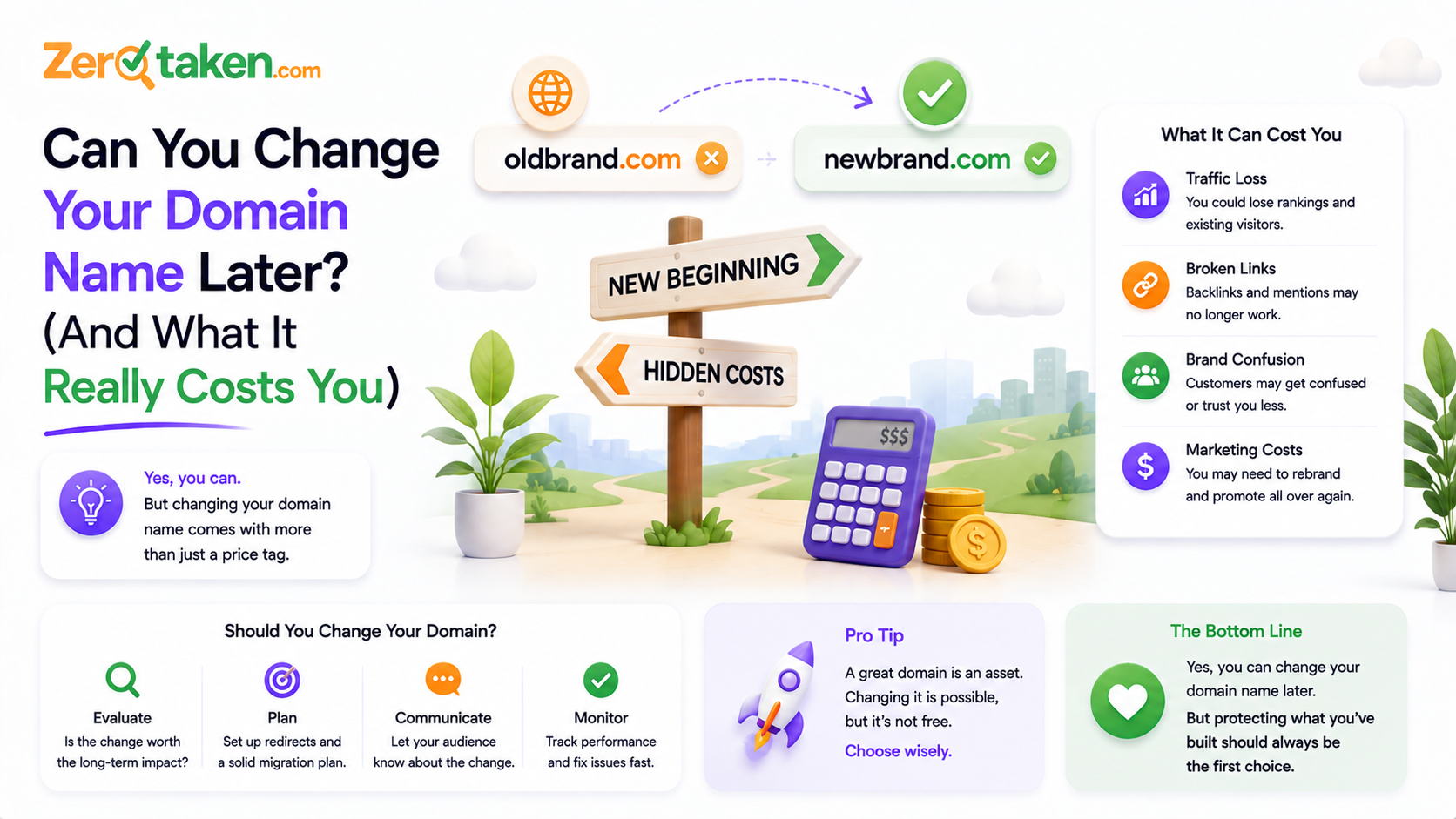
Can you actually change your domain name after you launch?
Yes — technically, a domain is just a pointer, and repointing it is trivial. The confusion is that 'changing your domain' almost never means what beginners think it means. You don't edit your existing domain into a new spelling; you register a second, separate domain and migrate everything from the old one to the new one. Twitter launched as 'twttr' on twttr.com before moving to twitter.com. Instagram started life as a check-in app called Burbn. These weren't edits to an existing domain — each was a new name, a new domain, and a deliberate migration from the old one to the new, exactly like the dozens of quieter rebrands that never make headlines.
So the accurate mental model isn't 'rename,' it's 'move house.' The new address exists the moment you register it. The work — and the cost — is in forwarding the mail, updating everyone who has your old address, and making sure nothing important was left in the old place. That framing matters, because it tells you exactly where the effort actually goes, and it's not where most founders expect.
What does switching your domain actually cost you?
The cost lands in four buckets, and the domain registration fee is the smallest one by far. First, search equity: your old domain has accumulated ranking authority, and moving to a new one puts that at temporary risk. Second, email: every address on the old domain stops working the day you retire it, and every service that mails those addresses has to be updated. Third, integrations: OAuth logins, webhooks, API callbacks, and payment settings are often hardcoded to your exact domain. Fourth, brand recall: anyone who remembered the old name has to relearn the new one, and the old name lingers in people's notes, bookmarks, and Slack messages for years.
None of these is fatal, and that's the point. But notice that only one of them (search) gets talked about, while the two that actually cause launch-week fire drills — email and integrations — get ignored until they break. The dollar cost of switching is trivial. The time cost, and the risk cost, are real and worth planning for.
Will you lose your Google rankings if you move?
Not permanently, if you do it correctly — but you should expect a temporary dip, and anyone who tells you a migration is 'zero risk' is selling something. Google explicitly supports domain moves: you set up 301 (permanent) redirects from every old URL to its exact new equivalent, submit a change of address in Search Console, and update your internal links and sitemap. Done properly, the new domain inherits the old one's authority over a period of weeks.
The realistic expectation is a wobble, not a cliff. Sites that migrate cleanly typically see rankings fluctuate for a few weeks to a couple of months before recovering to roughly where they were — sometimes better, because a rebrand often comes with a site cleanup. The sites that get hurt are the ones that cut corners: redirecting everything to the homepage instead of page-to-page, letting the old domain's SSL certificate lapse so redirects fail, or retiring the old domain entirely before Google has processed the move. Keep the old domain registered and redirecting for at least a year — ideally indefinitely — and the SEO cost of switching is a manageable dip, not a disaster.
The one genuinely expensive case is a site with a large backlink profile built over many years. Even perfect 301s pass only most of that equity, and a fraction of it leaks with every hop. If you're a five-year-old business with thousands of earned links, changing domains is a real strategic decision. If you're pre-launch or in your first year or two, you have almost nothing to lose — which is exactly why the fear is so misplaced for the people who feel it most.
What quietly breaks the day you switch that nobody warns you about?
SEO gets all the attention, but it's the plumbing that ruins launch week. The first casualty is email: the moment you stop renewing the old domain, every you@old.com address goes dark, password resets to those addresses bounce, and any service still mailing them silently fails. The fix is to keep the old domain and its mail routing alive well past the switch, and forward old addresses to new ones.
Then come the integrations. OAuth 'Sign in with Google' and social logins are registered against specific callback URLs on your exact domain — miss one and users can't log in. Stripe and other payment providers key webhooks and settings to your domain. Analytics, ad accounts, verified social profiles, app store listings, API keys with domain restrictions, hardcoded links in old emails and PDFs — each one is a separate small update, and the ones you forget are the ones you find out about from an angry customer.
This is the real reason a domain change feels heavier than it should: not the domain itself, but the long, unglamorous list of every place your old name is written down. It's very doable — it's just a checklist, and the teams that migrate smoothly are the ones who wrote the checklist before flipping the switch instead of after.
- Email + mail routing on the old domain (keep it live, forward to new addresses)
- OAuth / social login callback URLs (Google, Apple, GitHub, etc.)
- Payment webhooks and settings (Stripe, PayPal, billing provider)
- SSL certificates for both the old and new domain
- Analytics, Search Console, and ad account property verification
- Verified social handles, app store listings, and business directory profiles
- API keys with domain allow-lists, and any hardcoded links in old content
How long does a domain migration actually take?
The technical switch takes an afternoon; the full migration takes weeks. Repointing DNS, standing up 301 redirects, and moving email can genuinely be done in a day by someone who's done it before. But DNS changes take time to propagate globally, Google can take several weeks to fully process a change of address, and the long tail of updating every third-party service and every place your old domain is referenced stretches out over days of small tasks.
A useful planning rule: budget one focused day for the technical cutover, one week for chasing down every integration and reference, and one to three months before search rankings fully settle on the new domain. It's not a quick swap, but it's also not a rebuild — it's a defined project with a known checklist, which is a very different thing from the vague, scary 'what if I'm stuck forever' the fear is really about.
When is changing your domain worth it — and when is it just procrastination?
Change your domain when there's a real reason the current one is holding you back: it's a confusing misspelling nobody can type, it's a compromise extension you've outgrown, it carries a name that no longer matches what you do, or you've genuinely acquired the upgrade you always wanted. Those are strategic moves with a clear payoff, and the migration cost is worth paying for them.
Don't change your domain — and definitely don't stall picking one — because you're chasing an imaginary perfect name. The most expensive domain decision isn't switching later; it's the months of not launching while you wait for the flawless name to reveal itself. A pre-launch product with no traffic and no backlinks can change domains in a weekend with almost nothing at stake. That's precisely the stage where founders agonize most, and it's precisely the stage where changing later is cheapest. The math is backwards from how it feels.
So the honest rule is this: the earlier you are, the less a future change costs, and the less any single naming decision deserves to paralyze you. Reversibility is highest exactly when your anxiety is highest. Use that.
How do you switch domains without torching your traffic?
If you do decide to move, the difference between a clean migration and a self-inflicted disaster is almost entirely preparation. Map every old URL to its new equivalent before you flip anything, redirect page-to-page rather than dumping everyone on the homepage, and keep the old domain paid up and redirecting for the long haul. Treat email and integrations as first-class parts of the plan, not afterthoughts you'll patch when they break.
And whether you're migrating an old site or just picking your first name, resolve availability before you commit emotionally. ZeroTaken lets you sweep a shortlist of candidate names against real-time .com, .io, and .co availability in one sitting, so you choose from names you can actually own today instead of falling for one that's parked or five figures on the aftermarket. The name you can register now beats the perfect name you're still waiting on.
So should the fear of changing later stop you from picking now?
No — and now you know why. Changing a domain is a real project: expect a temporary ranking wobble, a week of updating integrations, and a mail-forwarding setup you keep alive for years. But it is thoroughly survivable, thousands of companies do it, and it is cheapest at exactly the stage where the fear is loudest — before you have traffic, links, or a customer base to protect.
The lesson isn't 'names don't matter, pick anything.' It's that the downside you're most afraid of is smaller and more reversible than it feels, so it shouldn't be the thing making the decision for you. Pick the best available name you can own today, register it, and start building. If a genuinely better one becomes worth the migration in two years, you'll make that call then — from a position of strength, with traffic worth protecting and a checklist that fits on one page.