
Got a Domain Renewal Notice You Don't Recognize? How the Fake-Invoice Scam Works
A few weeks after you register a domain, an email arrives: "FINAL NOTICE: your domain yourbrand.com expires in 3 days." It has your exact domain, a formal tone, an invoice number and a button that says Renew Now. The only problem: it did not come from your registrar. These notices are one of the oldest tricks in the domain business, and they work because they target exactly the moment a new founder is least sure how any of this works. Here is how the scam is built, how to spot it in under a minute, and what to do if you already paid.
ZeroTaken'ı Google'da tercih edilen kaynak olarak ekle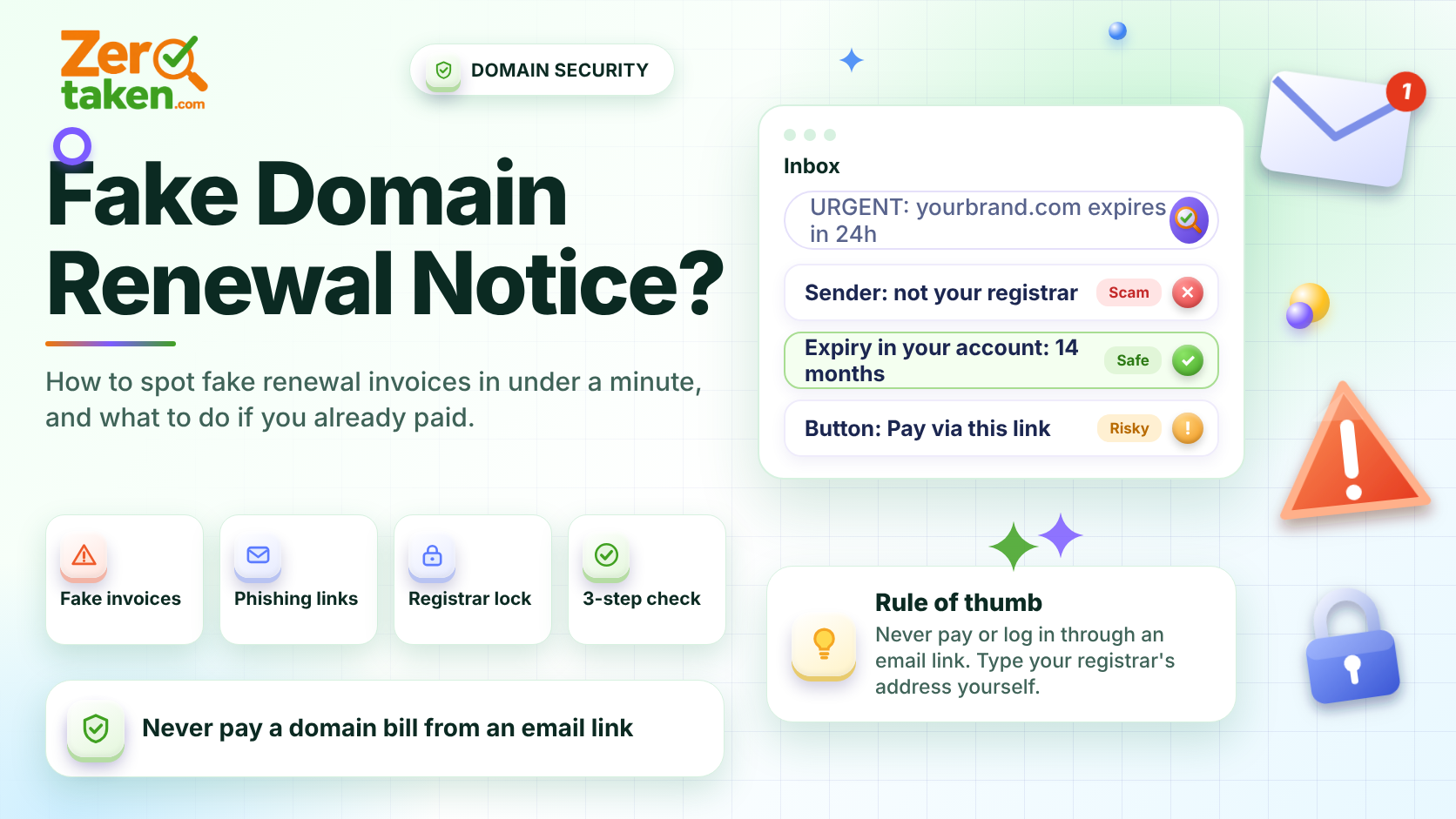
Why do these notices show up right after you register a domain?
Because your registration data is, to a degree, public. Even when your contact details are hidden behind privacy, the domain itself, its registration date and its expiry date are discoverable by anyone, and scammers run scripts that watch for new registrations and approaching expiry dates. They do not need to hack anything. They just need your email address, which they often get from the website itself or from your public contact page.
The timing is deliberate. A brand-new owner has no memory of what the real renewal emails look like, and a notice that mentions the correct domain name feels like proof of legitimacy. It is not proof of anything: a domain name is public information, so quoting it costs the sender nothing.
What are the common versions of the scam?
They come in a handful of recognizable flavors. Learn the shapes and you will spot new variants instantly:
- The fake renewal invoice: a bill for 'domain renewal' or 'domain registry service' from a company you have never heard of, often at a price far above what your registrar charges.
- The registrar-switch trick: a 'notice' that looks like a renewal but is really a form authorizing a transfer of your domain to the sender's registrar, usually with a high renewal rate attached.
- The 'SEO and search listing' invoice: a bill for submitting your site to search engines or directories, a service that is either worthless or does not exist.
- The urgent expiry warning: 'your domain will be suspended in 24 hours' with a link to a login page that is a copy of a real registrar's site, built to steal your password.
- The 'someone is trying to register your name' email: a message claiming a third party wants your brand on another extension, and offering to block it for a fee.
How can you tell a real renewal from a fake in under a minute?
You do not need to analyze the email. You only need to check three things, and none of them involve clicking anything in the message.
First: who is the sender, and is it the company where you actually registered the domain? If you cannot name your registrar from memory, look it up with a WHOIS or RDAP check: the registrar field names the real one. Real renewal reminders come from that company and nobody else. Second: open your registrar's website by typing the address yourself, log in, and look at the domain's expiry date. If it is months away, the email is noise. Third: look at what the message wants you to do. A real renewal reminder points you to your own account. A scam wants a payment through its own link, a transfer authorization or a password.
If all three checks fail the sniff test, delete the email. If you are on the fence, do the second check anyway. It takes thirty seconds and settles the question completely.
- Sender is not your registrar: ignore it.
- Expiry date in your own account is far away: ignore it.
- Message pushes you to pay or log in through its own link: treat it as phishing.
What should you do if you already paid or clicked?
Move quickly, but do not panic. The right response depends on what you gave away.
If you paid by card, call your bank or card issuer, explain it was a fraudulent invoice and ask them to dispute the charge. The sooner you do it, the better your chances. If you entered your registrar password on a fake page, change it immediately from the real site, turn on two-factor authentication, and check that the contact email on the account has not been changed. If you signed or returned a transfer form, contact your real registrar right away and ask whether a transfer request is pending: most registrars let you reject it or keep the domain locked while it is sorted out.
Whatever happened, take one more step: confirm your domain still shows the registrar and expiry date you expect. A quick lookup of the domain tells you in seconds whether anything changed.
How do you make your domain hard to scam in the first place?
You cannot stop scammers from emailing you, but a few habits make their messages harmless. Turn on auto-renew with a payment method that does not expire soon, so you never depend on an email to remember a deadline. Keep the registrar lock on, which blocks transfers unless you unlock the domain yourself. Use two-factor authentication on the registrar account, and use a dedicated email address for it that is not printed on your website.
Registering for several years at a time also helps: a domain that expires in five years never triggers a believable 'final notice'. And if more than one person works with your domains, write down who the registrar contact is, so no one in the company is surprised by a message that looks official.
- Auto-renew on, with a card that is not about to expire.
- Registrar lock enabled on every domain.
- Two-factor authentication on the registrar account.
- A private email address for registrar mail, separate from your public contact address.
- Multi-year registration for the domains that matter most.
What is the one rule worth remembering?
Never pay a domain bill or log in to a registrar through a link in an email. Open your registrar's site yourself and check there. Real renewals will always be waiting in your account, and fake ones will not. And if you are still choosing a name, run it through a tool like ZeroTaken before you register, so the only domain emails you ever get are the ones you expect.