
Do You Need a Domain Just to Get a Professional Email Address?
You want to stop emailing clients from yourname.startup@gmail.com. You want name@yourbrand.com — the address that quietly signals you're a real company and not a hobby. So you start Googling and immediately hit a wall of confusion: Do you need to build a whole website first? Do you have to pay for Google Workspace? Is the domain the email, or is email a separate thing you buy? This guide cuts through it with specifics: what you actually need, what each path really costs, the difference between forwarding and a real mailbox, and the one DNS step almost everyone skips that sends their shiny new address straight to the spam folder.
ZeroTaken'ı Google'da tercih edilen kaynak olarak ekle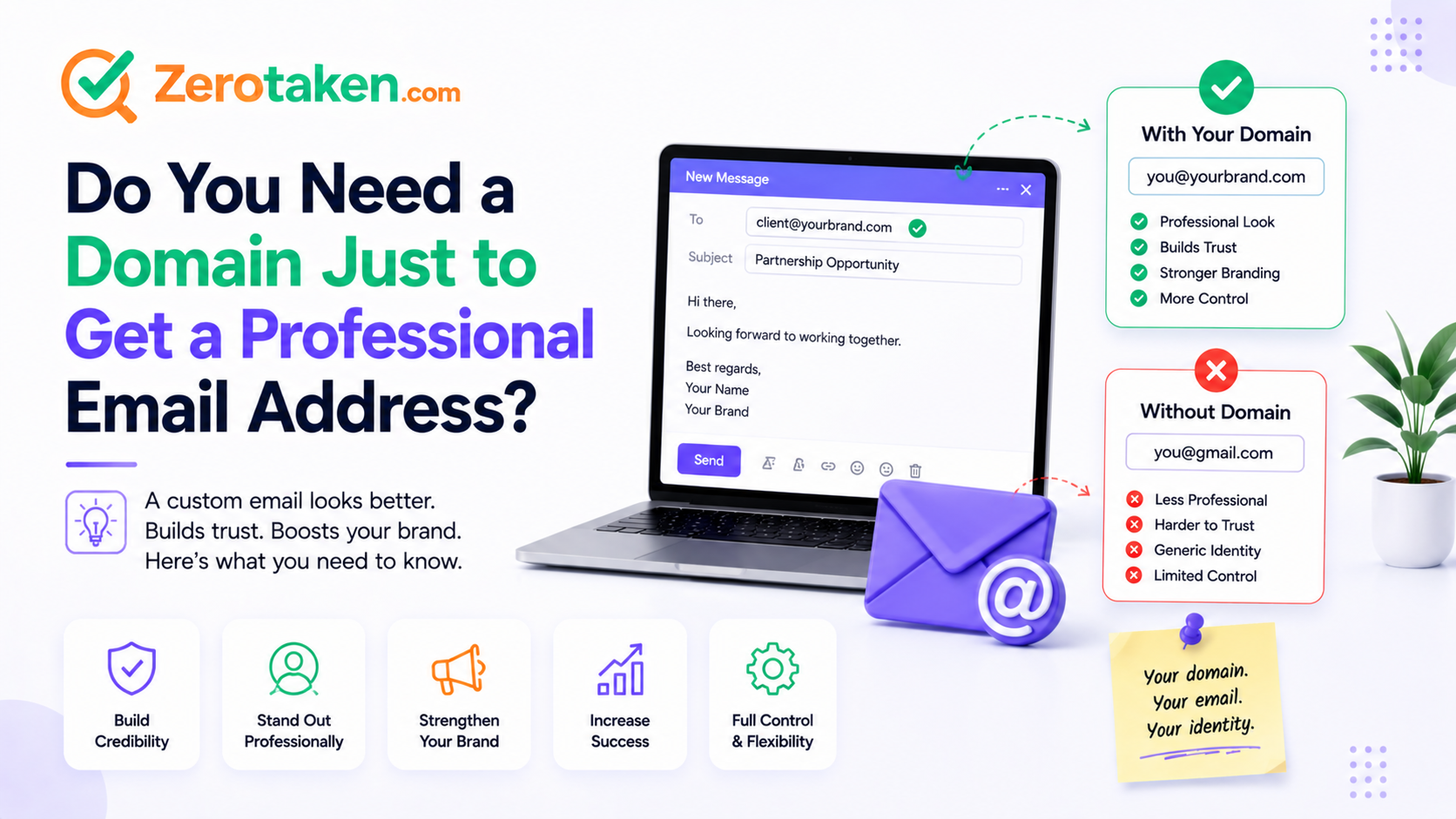
Do you actually need a domain to have a professional email address?
Yes — the domain is the professional part. Everything after the @ in name@yourbrand.com is a domain you own, and that is the entire point. Without it you are stuck on someone else's domain (@gmail.com, @outlook.com), which broadcasts that you either couldn't be bothered or couldn't yet commit to a name. Buying the domain is what unlocks a branded address, so this is one purchase you cannot skip.
The good news is that it's the cheap part. A .com runs roughly $10–15 a year, and that single registration is what lets you create not just one address but as many as you want on the same brand — hello@, billing@, your name, your co-founder's name. You are not buying an email account; you are buying the namespace that every future address hangs off of.
Can you get name@yourbrand.com without building a website?
Absolutely, and this is the misconception that traps the most people. A domain and a website are two separate things. Owning yourbrand.com does not obligate you to build, host, or even plan a site — you can register the domain purely to run email and leave the homepage blank for months. Email is routed by DNS records on the domain, not by whether a web page exists.
This matters because it removes the excuse. Founders routinely delay their professional email until 'the site is ready,' then keep handing out a Gmail address for another six months. You can have name@yourbrand.com working this afternoon, point the bare domain at a 'coming soon' page or nothing at all, and upgrade the website whenever you actually have one. The email and the site are on completely independent timelines.
What does it actually cost to run email on your own domain?
Budget two line items: the domain (about $10–15 a year) and the mailbox, which is where the real choice lives. The mainstream option is Google Workspace, at roughly $7 per user a month, or Microsoft 365 Business Basic at around $6 — both give you a full mailbox, calendar, and the apps most teams already know. For a solo founder that's about $70–85 a year on top of the domain.
You can spend far less. Zoho Mail offers a genuinely free tier for a single domain and a handful of users (web access, modest storage), with paid plans starting around $1 per user a month if you outgrow it. And if you only need to receive mail, Cloudflare Email Routing and many registrars will forward mail on your domain to an existing inbox for free. The honest summary: a real, send-and-receive branded mailbox costs somewhere between $0 and $85 a year per person — the domain is fixed, the mailbox is where you decide how much to spend.
Email forwarding or a real mailbox — which do you need?
These are not the same product, and picking the wrong one is the classic early mistake. Forwarding is a free redirect: mail sent to hello@yourbrand.com lands in your personal Gmail. It's perfect for a contact address and costs nothing, but on its own it only handles incoming mail — if you hit reply, the message goes out from your @gmail.com, quietly undoing the whole point.
A mailbox is a real account that lives on your domain and can both receive and send as name@yourbrand.com. If you're emailing customers, investors, or vendors, you need this. There is a middle path: set up free forwarding to catch incoming mail, then configure Gmail's 'Send mail as' feature with your domain provider's SMTP so replies also appear to come from your brand address. It works and it's cheap, but it's fiddly to set up — for a business you'll actually run, a proper mailbox is usually worth the few dollars a month.
- Just need a contact address that reaches you? Free forwarding is enough.
- Need to send email as your brand and be trusted? Get a real mailbox.
- Want branded sending on a budget? Forwarding plus Gmail 'Send mail as' — but expect setup friction.
Why does mail from your new domain land in spam — and how do you fix it?
This is the step almost nobody warns you about. A brand-new domain has no sending reputation, and if you don't authenticate it, your carefully branded email gets filtered as spam — or bounced outright. Since 2024, Gmail and Yahoo actively require authentication before they'll reliably deliver your mail, so this is no longer optional.
The fix is three DNS records on your domain. SPF (a TXT record) lists which servers are allowed to send as you. DKIM adds a cryptographic signature that proves the message wasn't forged. DMARC (another TXT record) tells receiving servers what to do when a message fails those checks. A hosted provider like Google Workspace or Zoho generates these for you and hands you the exact values to paste into your DNS — you just have to actually add them.
If you take one thing from this guide, take this: 'my professional email isn't arriving' is almost always a missing or wrong SPF/DKIM/DMARC record, not a broken mailbox. Set the three records the day you set up the address, then send a test to a Gmail account and check that it lands in the inbox, not spam.
Should you lock down the domain before you commit to the name?
Yes — before the letterhead, before the business cards, before you tell anyone 'email me at hello@ourbrand.com.' The address you want to hand out only exists if you own the domain behind it, and the fastest way to look unprofessional is to promise an address on a domain a competitor or squatter grabs first. Verify availability, then register — in that order, on the same day if you can.
ZeroTaken checks whether your exact name is free across .com and the alternatives in a single search and never logs your queries, so you can pressure-test a shortlist of brand names — and the email addresses they'd produce — before you commit to one. Say the address out loud while you're at it: name@yourbrand.com has to be easy to spell over the phone, or every support call starts with 'no, one word.'
What's the fastest, cheapest path to a working professional email today?
You don't need to solve everything at once. Here's the pragmatic order that gets you a credible branded address without overspending or stalling on a website you haven't built:
- Register the domain first — it's the one non-negotiable purchase, and it's cheap.
- If you only need to receive: turn on free email forwarding to your existing inbox.
- If you need to send as your brand: pick one mailbox provider (Zoho free/cheap, Google or Microsoft if you want the full suite).
- Add the SPF, DKIM, and DMARC DNS records your provider gives you — same day, no exceptions.
- Send a test to a Gmail address and confirm it lands in the inbox, not spam.
- Skip the website for now — the email works with or without one.
So do you need a domain for professional email — the honest verdict?
Yes, and it's the easy, cheap half of the job. The domain is the only thing you truly must buy; a working branded mailbox on top of it can cost nothing (forwarding), about a dollar a month (Zoho), or the price of a full Google/Microsoft suite — all reasonable, all far cheaper than the credibility you gain by retiring the Gmail address.
The two things that actually trip founders up are believing they need a finished website first (they don't) and skipping the SPF/DKIM/DMARC records that keep their mail out of spam (they can't). Own the domain, choose a mailbox that fits your budget, authenticate it properly, and name@yourbrand.com stops being a someday and becomes the address you hand out today.