
Действительно ли этот домен доступен? Как правильно проверить это в 2026 году
Вы вводите имя своей мечты в регистратора, оно загорается зелёным с надписью «Поздравляем, этот домен доступен!», и вы чувствуете тот маленький дофаминовый всплеск от того, что нашли имя, которое никто не занял. Не торопитесь. Этот зелёный свет — самый переоценённый сигнал во всём процессе выбора имени: он может ошибаться в обе стороны. Некоторые имена, показывающие «доступно», исчезнут или будут стоить четырёхзначную сумму в тот момент, когда вы попытаетесь оформить покупку; некоторые, показывающие «занято», на самом деле истекают, припаркованы или тихо продаются по цене, которую вы с радостью заплатили бы. Доступность — это не индикатор да/нет на главной странице регистратора: это небольшая цепочка технических фактов, и умение читать эту цепочку отличает основателей, которые закрепляют за собой правильное имя, от тех, кто теряет неделю, гоняясь за миражом. Этот гид точно показывает, как проверять.
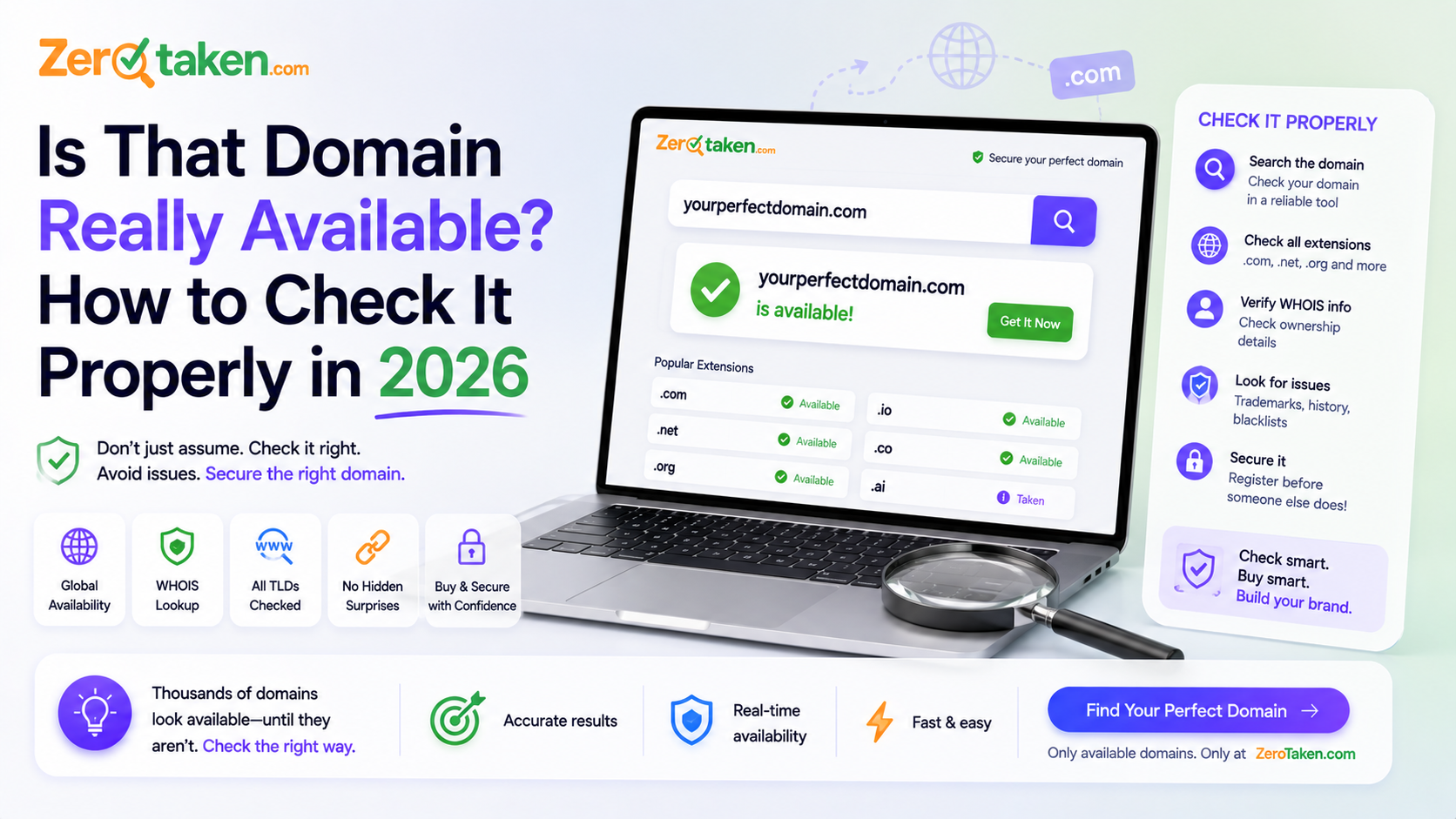
Что на самом деле означает «доступен»?
То, что домен «доступен», означает ровно одно: в данный момент ни один регистратор не держит запись о его регистрации, так что вы можете сами заплатить за его регистрацию. Вот и всё. Это ничего не говорит о том, чистое ли это имя, принадлежало ли оно раньше спамеру, уже ли Google исключил его из индекса, или действительно ли регистратор продаст его вам по указанной цене. Всё это отдельные вопросы, которые зелёный индикатор молча сворачивает в одно успокаивающее слово.
Причина, по которой это важно, в том, что статус регистрации существует в конкретном авторитетном месте — в реестре, который управляет расширением (.com, .io, .co и так далее), — а всё остальное, что вы видите, представляет собой интерпретацию, наложенную поверх этого. Когда проверка ошибается, это почти всегда потому, что инструмент спросил не тот уровень, закэшировал старый ответ, или у него есть стимул показать вам что-то отличное от простой правды. Понимание этих уровней — вот как вы перестаёте попадаться на удочку.
Почему домен показывает «доступен», когда это не так?
Самый распространённый ложноположительный результат — премиальное или зарезервированное имя. Множество коротких, подходящих для бренда доменов технически не зарегистрированы, но помечены самим реестром как премиальные — регистратор с радостью покажет их как «доступные», а затем на этапе оформления заказа назовёт вам цену в 2 000 или 12 000 долларов вместо 12. Другие зарезервированы реестром и вообще никогда не смогут быть зарегистрированы. Зелёный свет был настоящим; цена, которую вы себе представляли, — нет.
Вторая ловушка — устаревшие или закэшированные данные. Поля поиска у регистраторов и расширения браузера часто отвечают из кэша, чтобы казаться быстрыми, так что имя, захваченное час назад, всё ещё может показываться как свободное — достаточно долго, чтобы вы влюбились в него и начали разрабатывать логотип. А третья, более циничная ловушка — приманка для допродажи: некоторые поисковые инструменты показывают ваш точный запрос как «занято», подталкивая вас к альтернативам, которые они могут продать, или наоборот — дразнят незарегистрируемым именем, чтобы удержать вас в своей воронке. Если инструмент получает прибыль от вашего ответа, не принимайте его ответ на веру.
Ничто из этого не означает, что базовые данные реестра ненадёжны. Это означает, что то, на что вы смотрели, было не реестром — это был посредник, у которого была причина округлить правду.
Почему домен, который выглядит «занятым», иногда оказывается доступным для получения?
Ложноотрицательные результаты менее известны, но не менее затратны. Классический пример — истекающий домен: имя сегодня зарегистрировано, поэтому каждый чекер говорит «занято», но владелец перестал платить, и оно за 20 дней до того, как снова упасть в пул доступных. Для наивной проверки оно выглядит мёртвым; для тех, кто следит за циклом истечения, это имя, которое вот-вот освободится.
Затем идёт категория припаркован-но-продаётся. Огромная доля «зарегистрированных» доменов — это не настоящие бизнесы, а имена, которые держат инвесторы, сидящие на посадочной странице «продаётся». Запись о регистрации делает их похожими на занятые, но вся цель владельца — продать, часто по цене, которую финансируемый стартап округлит до нуля. Приватность WHOIS ещё больше мутит воду: имя за щитом приватности читается как «принадлежит человеку», хотя на самом деле это может быть просто инвентарь брокера, ждущий предложения.
Вывод: «занято» — это не конец разговора. Это начало другого: скоро ли это имя освободится, припарковано ли оно и продаётся ли, и сколько реально будет стоить его получить?
Как профессионалы на самом деле проверяют домен?
Надёжная проверка доступности — это короткий конвейер, а не одиночный запрос, и он идёт от дешёвого-но-нечёткого к медленному-но-авторитетному. Освойте три уровня, и вас больше никогда не обманет главная страница регистратора.
Во-первых, DNS. Спросите глобальную систему DNS, есть ли у домена записи сервера имён (NS) или начала полномочий (SOA). Если да, имя активно и настроено — оно определённо зарегистрировано, дальнейших вопросов нет. Это быстро и улавливает очевидные случаи, но молчание здесь не доказательство: зарегистрированный домен без настроенного DNS будет выглядеть здесь пустым, и именно поэтому нельзя останавливаться на этом шаге.
Во-вторых, RDAP (и его старший собрат, WHOIS). Это авторитетный уровень — вы спрашиваете реестр, который реально управляет расширением, существует ли запись о регистрации. Чистое «не найдено» от реестра — это ближайшее к окончательному «доступно», что вы можете получить. RDAP — современная, структурированная версия; для нескольких расширений, которые ещё не публикуют RDAP (.io и .co исторически среди них), пробел заполняет запрос WHOIS или специально созданный краулер. Золотое правило простое: никогда не объявляйте домен доступным только на основании молчания DNS — подтверждайте это по реестру.
- Проверка DNS — есть NS/SOA ⇒ определённо зарегистрирован; отсутствуют ⇒ неубедительно, продолжайте
- RDAP в реестре — «не найдено» ⇒ настоящий сигнал «доступен»
- WHOIS / резервный краулер — для расширений без публичного RDAP (например, .io, .co)
- Никогда не доверяйте одному-единственному уровню и никогда не доверяйте закэшированному ответу для имени, которое вы собираетесь купить
Какой самый быстрый надёжный способ проверить имя?
Для разовой проверки честный, безотказный ход — пропустить поле поиска регистратора и перейти к собственному поиску в реестре расширения, или ввести домен прямо в оформление заказа — цена, которую вам реально называют, и есть правда, которую не может исказить никакой маркетинговый текст. Для проверки десятков кандидатов сразу вам нужен инструмент, который прогонит для вас всю цепочку от DNS до реестра и откажется говорить «доступно», пока реестр это не подтвердит, а не инструмент, оптимизированный для того, чтобы казаться быстрым.
Именно на этом стандарте мы построили ZeroTaken: он выполняет проверку DNS, подтверждает по RDAP и обращается к краулеру WHOIS для тех расширений, которым это нужно, — так что зелёный результат означает, что реестр реально сказал, что имя свободно, а не что кэш просто не успел обновиться. Он также проверяет несколько расширений бок о бок, что важно, потому что ваше решение редко звучит как «свободен ли этот .com» — оно звучит как «какую версию этого имени я реально могу получить».
«Доступно» — это финишная черта или только начало?
Подтверждение того, что имя можно зарегистрировать, необходимо, но недостаточно. Домен может быть по-настоящему доступен и всё же оказаться плохой покупкой, потому что «сейчас им никто не владеет» ничего не говорит о том, кто владел им раньше. У выброшенных доменов есть багаж: имя, которое раньше было спам-фермой, закрытым партнёром казино или оштрафованным сайтом, может прийти к вам уже отравленным в глазах Google, и вы наследуете эту историю в момент регистрации.
Прежде чем взять на себя обязательства по доступному имени, потратьте пять минут на изучение его прошлого. Найдите его в Wayback Machine, чтобы увидеть, что там раньше находилось. Проверьте, есть ли у него старые обратные ссылки, указывающие на контент, не имеющий к вам никакого отношения. Прогоните его через проверку спам-чёрных списков. И сделайте две проверки, которые вообще не связаны с самим доменом: свободен ли соответствующий хендл на социальных платформах, которые вас интересуют, и возвращается ли поиск по товарным знакам чистым для вашей отрасли? Домен, который вы можете зарегистрировать, но не можете законно защитить, или не можете подобрать в соцсетях, — это проблема, которую вы покупаете, а не избегаете.
- История: Wayback Machine + быстрый взгляд на обратные ссылки на предмет сомнительного прошлого
- Репутация: прогоните его через проверку спам-чёрных списков, прежде чем строить на нём что-либо
- Хендлы: подтвердите, что соответствующее имя свободно в тех соцсетях, которыми вы реально будете пользоваться
- Товарный знак: чистый поиск в вашей категории важнее дешёвого домена, который вы не сможете сохранить
Что представляет собой 60-секундный чек-лист доступности?
Когда у вас есть имя, которое вам нравится, и вы хотите быстро и надёжно проверить его перед тратой денег, выполните это по порядку. Это та же самая логика, которую автоматизируют хорошие инструменты, сжатая в то, что вы можете сделать вручную для одного имени.
- Подтвердите регистрацию в реестре (RDAP/WHOIS), а не только в поле поиска регистратора
- Проверьте реальную цену оформления заказа — остерегайтесь метки «премиум», превращающей 12 долларов в 2 000
- Если показывает занято, проверьте, не истекает ли оно скоро или не припарковано ли и продаётся, а не реально заблокировано
- Взгляните на его историю в Wayback Machine и в проверке чёрных списков
- Проверьте соответствующие хендлы в соцсетях и проведите поиск по товарным знакам в вашей отрасли
- Только после этого покупайте — и покупайте в ту же сессию, потому что хорошие имена вас не ждут
Так как же узнать, что домен действительно ваш и его можно взять?
Вы знаете, что домен доступен, когда реестр — не главная страница регистратора, не расширение браузера, не кэш — говорит, что записи о регистрации нет, а оформление заказа подтверждает обычную цену без премиального сюрприза. Всё, что было до этого, — подсказка; всё, что после (история, чёрные списки, хендлы, товарный знак), решает, стоит ли брать это имя, а не можете ли вы это сделать. Держите эти два вопроса раздельно, и вы перестанете терять дни на зелёные огни, которые ничего не значили.
Основатели, закрепляющие за собой отличные имена, не более удачливы — их просто труднее обмануть. Они относятся к «доступно» как к утверждению, которое нужно проверить, а не как к подарку, который нужно принять, подтверждают это по источнику истины, и когда чистое имя проходит проверку, регистрируют его прежде, чем вкладка успевает остыть. Сделайте так, и в следующий раз, когда поле поиска загорится зелёным, вы действительно будете знать, говорит ли оно правду.