
Can Someone Hijack Your Domain? The 10-Minute Lock-Down Checklist
When a founder loses a domain, the story is almost never a movie-style hack. Someone got into the registrar account because the password was reused, or took over the email inbox that receives the reset link, or talked a support agent into a change. After that, moving the domain takes minutes. The painful part is that every one of those doors can be closed in about ten minutes, for free, on the day you register. This is the checklist, in priority order, with what each setting actually protects against and what it doesn't.
Añade ZeroTaken como fuente preferida en Google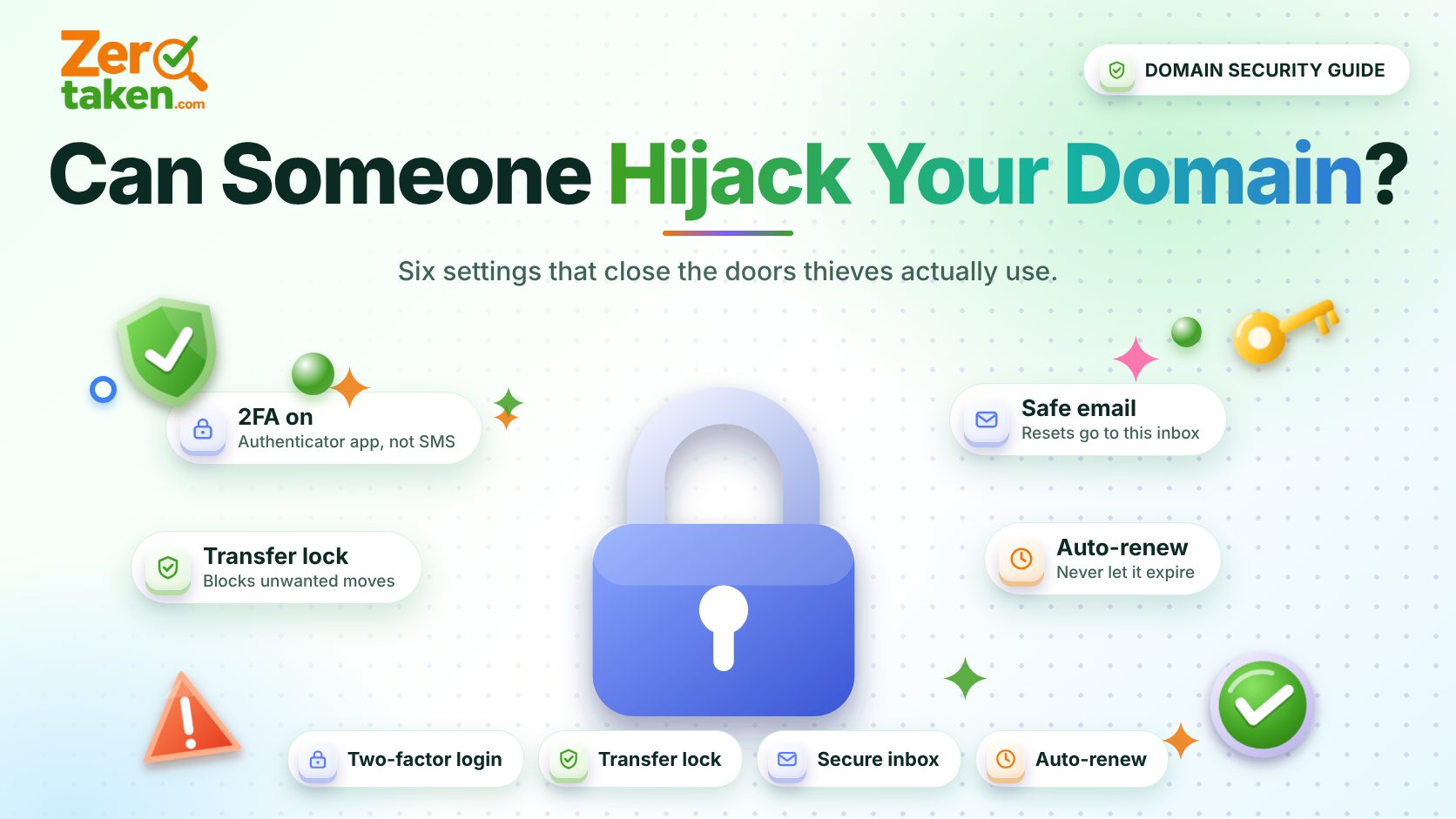
How do domains actually get hijacked?
Almost every hijacking follows one of three paths, and none of them involve attacking your website or your DNS records first.
The first is account takeover: the attacker logs into your registrar with a leaked or reused password, or resets it through your email. The second is email takeover, which is really the same thing one step removed, because the registrar's reset link goes to your inbox. The third is social engineering, where someone convinces registrar support, or an employee with access, to change the contact details or release the transfer code.
Once an attacker controls the account they can change nameservers (silently redirecting your site and your email) or unlock the domain and transfer it away. So the defensive strategy is simple: protect the account, protect the inbox behind it, and add a lock on the domain itself.
Step 1: Is your registrar login stronger than the domain it protects?
Your registrar account is the master key. Treat it like a bank login, not a throwaway signup.
Use a password manager to generate a unique password that you have never used anywhere else, and turn on two-factor authentication the same day. Prefer an authenticator app or a hardware security key over SMS codes: phone numbers can be hijacked through SIM-swap fraud, and a text message is the weakest second factor on the menu.
If your registrar offers passkeys or hardware-key login, use it. If it offers no two-factor option at all, that is a legitimate reason to move your domain somewhere that does.
- Unique, generated password stored in a password manager
- Authenticator app or hardware key, not SMS, as the second factor
- Save the recovery codes offline, not in the same inbox as the account
- Remove old team members and contractors who no longer need access
Step 2: Who controls the email address on your registration?
Your registrar's reset emails, renewal notices and transfer confirmations all go to one address. Whoever controls that inbox controls your domain, regardless of how strong the registrar password is.
That has two practical consequences. First, secure the email account at least as well as the registrar: unique password, two-factor authentication, recovery options you have checked recently. Second, never use an email address on the domain itself as the only contact. If your domain lapses or your DNS breaks, you lose the inbox you need in order to fix it. Use an independent mailbox, and for a company, a shared role address that more than one trusted person can reach, so a single departing employee can't take the keys with them.
A free personal inbox you set up in 2012 and forgot the recovery phone number for is the single most common weak link we see described in domain-loss stories. Fix that first.
Step 3: Is the registrar transfer lock switched on?
Registrars can place a status on your domain that tells the registry to refuse outbound transfers. It usually appears in WHOIS as clientTransferProhibited, and most registrars enable it by default. Check that yours really did.
With the lock on, a transfer needs two things: someone must unlock the domain in your account, and they must present the authorization (EPP) code. That turns a one-click theft into a two-step process an attacker with only a stolen password may still manage, but it blocks automated and accidental transfers, and the unlock is an event you can get an alert for.
Keep the lock on at all times and unlock only when you are actively moving the domain. Many registrars also impose a transfer lock of up to 60 days after you change registrant contact details, which is a useful speed bump if someone alters them without your knowledge. You can confirm what is set by running your domain through ZeroTaken's WHOIS lookup and reading the status field.
Step 4: Should you pay for registry lock?
Registry lock is the premium version of the transfer lock. Instead of the registrar flipping a switch, changes to the domain require out-of-band verification, typically a manual confirmation with a human at the registry or registrar. A hijacker who breaks into your account still can't push a transfer or nameserver change through.
It isn't available for every extension and registrar, and it usually costs extra and makes your own changes slower. That trade is wrong for a hobby project and right for the domain your revenue depends on: the main .com behind your product, your login domain, or the domain your email runs on.
A good rule of thumb: if losing the domain for a day would cost you more than the annual fee, ask your registrar whether registry lock exists for that extension. If they have never heard of it, that tells you something about the registrar.
Step 5: What does DNSSEC protect, and what doesn't it?
DNSSEC cryptographically signs your DNS records so resolvers can detect forged answers. It protects your visitors from being quietly redirected by someone tampering with DNS responses in transit.
It does not protect your registrar account, and it will not stop a transfer or someone who has legitimate access from changing your nameservers. Founders sometimes enable it believing it is an anti-theft feature. It is an integrity feature, and one worth having, but it is not a substitute for steps one through four.
If your DNS provider supports one-click DNSSEC, turn it on and verify it afterwards. A misconfigured DNSSEC setup can make your domain fail to resolve for validating resolvers, so test before you move on.
Step 6: Is auto-renew on, with a card that won't expire?
Not every lost domain is stolen. Plenty simply expire because a card lapsed, an email went to a dead inbox, or the person who set it up left. Once a domain drops, someone else can register it, and a brand's old domain in a stranger's hands is a phishing risk for your customers.
Turn auto-renew on, use a payment method with a long expiry date, and add a calendar reminder a month before the renewal date. For a domain you truly cannot lose, renewing for several years at once removes the annual failure point entirely, although it is a trade-off against cash flow.
- Auto-renew on, with a backup payment method if the registrar allows one
- Renewal notices going to an inbox that more than one person can read
- A calendar reminder a month before expiry, independent of the registrar
- Multi-year registration for the one domain your business can't lose
What should you do right now?
Open your registrar account and spend ten minutes working down the list: unique password and authenticator-based two-factor, a locked and recoverable email address, transfer lock on, auto-renew on. Then look at your most valuable domain and decide honestly whether it deserves registry lock and DNSSEC.
If you are still choosing a domain, make security part of the selection: pick a registrar that supports two-factor authentication and transfer locks, and keep your registrar account separate from your hosting account so one breach doesn't hand over both. Twenty minutes on the day you register is the cheapest insurance you will ever buy for your brand.