
How Do Founders Lose Domains They Already Own? (And How to Get Yours Back)
Almost nobody loses a domain the dramatic way. There's no hacker, no lawsuit, no bidding war — just a credit card that expired in March, a renewal notice that landed in a spam folder nobody checks, and a name that quietly lapsed while you were shipping features. Then one morning the site is a parking page full of ads, and you're reading about 'redemption fees' for the first time. Losing a domain you own is one of the most avoidable disasters in a founder's life, and also one of the most common, because the whole system is built to fail silently. This guide covers exactly how people lose names they paid for, what your real recovery windows are once one lapses, and the short list of settings that make it nearly impossible to happen to you.
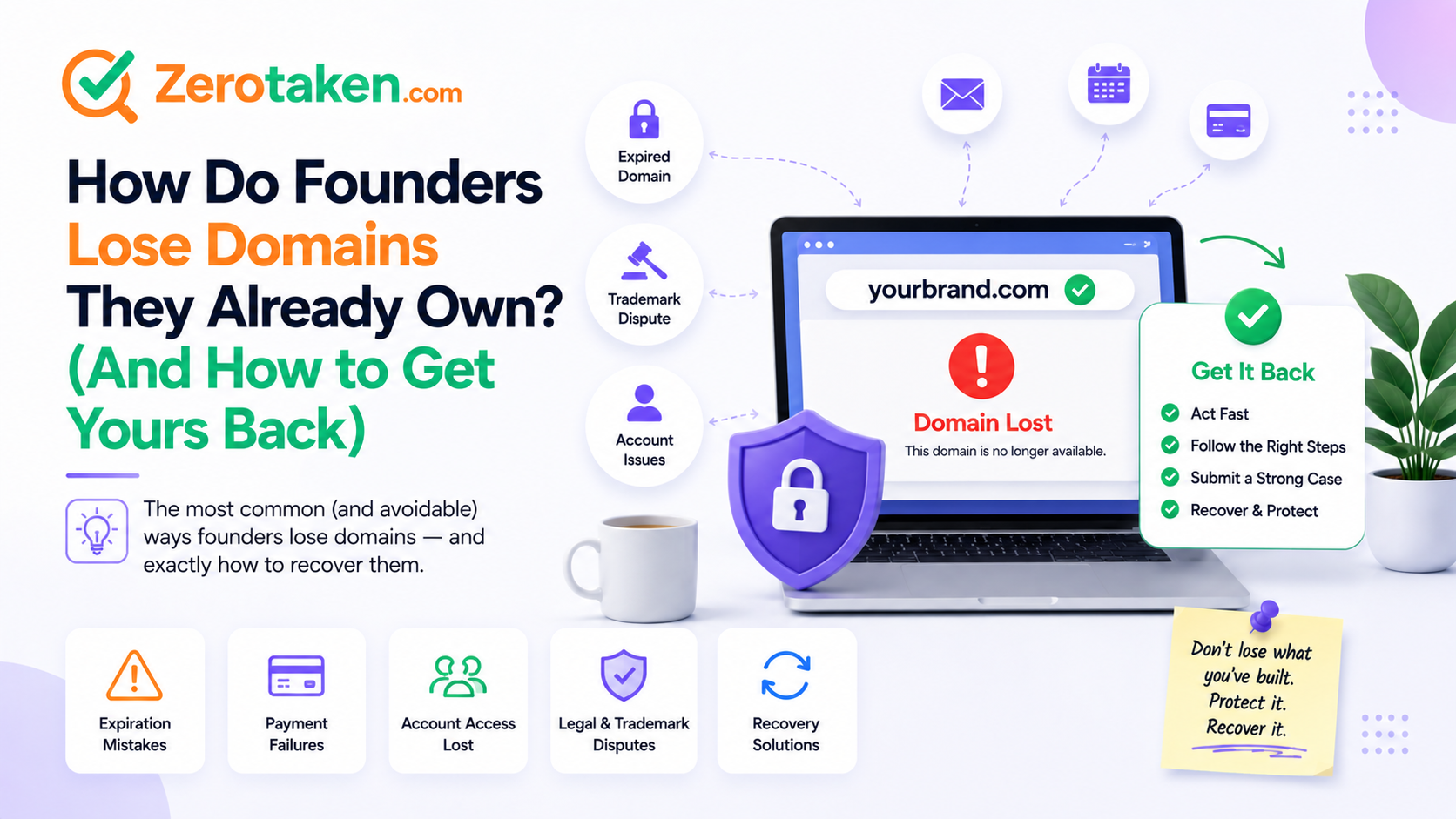
How do people actually lose a domain they own?
It's almost never theft. The overwhelming majority of lost domains are self-inflicted through boring billing and account failures — the kind of thing that never makes it onto your radar until the name is already gone. A domain is a subscription that renews once a year (or once every few years), which is just long enough that whatever you set up when you registered it has quietly rotted by the time renewal comes around.
The failure modes cluster into a handful of predictable causes. If any one of these describes your setup, you're one bad month away from losing a name:
- An expired card on file: auto-renew was on, but the card behind it lapsed or got reissued, the charge failed, and the 'payment failed' emails went unread until the grace period ran out.
- Renewal notices you never saw: the registrar emailed a dead address, an old team inbox, or a personal account that filters everything from the registrar straight into promotions.
- Auto-renew that was never actually on: many registrars default it off, or silently turn it off after a failed charge, and 'I assumed it would renew' is the single most common last words on a lost domain.
- A forgotten side project: the domain outlived the experiment, nobody owns the renewal, and it lapses because it wasn't anybody's job to keep it.
- Lost account access: the registrar login belonged to a co-founder who left, a contractor you no longer pay, or an email you can't get into anymore — and you can't renew a domain you can't reach.
- Stale WHOIS contact info: the registrant email on record is years out of date, so every legally-required expiry warning is shouting into a void.
If your domain just expired, is it actually gone?
Not yet — and this is the part most people don't know, which is why they panic or give up too early. A lapsed domain doesn't vanish the day it expires. It moves through a fixed sequence of windows, and where your name sits in that sequence decides both whether you can still get it and what it'll cost you to do so.
For the owner, the recovery timeline works like this: first comes an auto-renew grace period of roughly 30 to 45 days after the expiry date, where you can simply pay the normal renewal price and reclaim it as if nothing happened. Miss that, and it enters redemption for about 30 more days — the name is still yours to recover, but now it costs a punitive restore fee on top of renewal, typically $80 to $200 depending on the registrar. After redemption comes 'pending delete,' a final five-day window where recovery is effectively impossible; at the end of it, the registry purges the name and anyone in the world can register it. The clock is unforgiving, but as long as you're inside the first two windows, the name is recoverable.
What's the fastest way to get an expired domain back?
Move now, not this weekend. Every day you wait pushes the name deeper into more expensive windows, and once it hits pending delete you're gambling against professional drop-catchers instead of just paying a bill. The correct first action is always the same: log into the registrar the name is registered with (not necessarily the one you use most — check the WHOIS record if you're unsure) and look for a 'renew' or 'reactivate' option on the expired domain.
If you're still in the grace period, renewing is a one-click, normal-price fix — do it immediately and turn auto-renew on while you're there. If the name has already dropped into redemption, you'll need to find the 'restore' or 'redemption' flow, which usually means a support ticket or a phone call and paying that restore fee; annoying and pricey, but it works, and it beats losing the name entirely. The one thing you must not do is assume you have time. 'I'll deal with it next week' is exactly how a $12 renewal becomes a $180 restore, and then an unrecoverable loss.
Why do renewal emails never reach you?
Because the email system is stacked against them. Registrars are legally required to send expiry warnings, so they do — but 'sent' and 'read' are very different things. The notices go to whatever registrant email is on the WHOIS record, which for a name you registered three years ago might be an address you've abandoned, a shared inbox nobody watches, or an account whose spam filter has decided anything from a domain registrar is promotional clutter.
The fix is to stop relying on those emails as your safety net and treat them as a backup at best. Make sure the billing and registrant email on the account is one you actually read, add your registrar's sending domain to your contacts or allow-list so its warnings skip the spam folder, and — critically — don't route renewal notices to a single personal address that leaves the company when a person does. A role inbox like domains@yourcompany.com that more than one person can reach outlives any individual's departure, which is the exact scenario that kills so many side-project and early-startup domains.
Can someone take your domain while it's still yours?
Less often than expiry, but yes, and the mechanism is worth understanding because the defenses are free. The two real threats are an unauthorized transfer and a phishing scam. A domain transfer moves a name to a different registrar or owner, and it requires an authorization code plus the domain being unlocked — so the protection is simply to keep the registrar's transfer lock (the 'clientTransferProhibited' status) switched on, which almost every registrar offers as a one-click toggle, and to guard your account with two-factor authentication so nobody can log in and pull the auth code themselves.
The scam version is more common than actual hijacking: an email or text that says 'your domain is expiring, renew now' with a link to a lookalike payment page, designed to harvest your card or your registrar login. Treat every unsolicited renewal link as hostile. Never renew through a link in a message — go directly to your registrar by typing its address yourself. And if you're not sure whether a name genuinely needs renewing, look up its real registration and expiry status independently rather than trusting the email; a quick WHOIS check tells you the truth that the 'urgent' message is counting on you not to verify.
How do you make sure this never happens to you?
The good news is that domain loss is one of the few disasters you can fully engineer away in about ten minutes, once per name. You're not trying to be vigilant forever — you're trying to remove every single point of silent failure so vigilance isn't required. Set these once and the name renews itself while you forget it exists, which is exactly what you want.
Lock down every domain you actually care about with this checklist:
- Turn auto-renew on — then verify it's actually on, because a failed charge can silently flip it back off.
- Keep a valid card on file and update it the moment it's reissued; a good card is the whole point of auto-renew.
- Set the account's billing/registrant email to an inbox you read, and allow-list the registrar so its warnings never hit spam.
- Switch the registrar transfer lock on and enable two-factor authentication on the account.
- For names you're keeping long-term, register several years at once so there's no annual failure point to trip over.
- Track the expiry date somewhere outside the registrar, so a missed email or a lost login can't be the only thing standing between you and your domain.
How do you keep an eye on an expiry date you'll definitely forget?
Every protection above still leans on you noticing something at the right moment, and the whole problem with domain renewals is that the right moment arrives once a year with no other reminder. The answer is to move the reminder off the registrar's fragile email and onto something that will actively tell you before the deadline, not after the loss.
ZeroTaken's expiration monitor exists for exactly this: point it at the domains you own (or ones you're waiting to snap up) and it watches the registration status so you get alerted as an expiry approaches, instead of finding out from a parking page. Pair that with auto-renew and a locked account and you've closed every gap — the automated renewal handles the routine case, and the monitor is your independent tripwire for when the automation quietly breaks. Belt and suspenders is the correct amount of paranoia for a name your whole business runs on.
Should you register for multiple years to be safe?
For your primary brand domain, yes — and not for the SEO reasons you'll see repeated online. Registration length is not a Google ranking factor, so ignore anyone selling ten-year registrations as a search-traffic hack. The real benefit is mundane and much more valuable: every renewal is a chance to fail, so fewer renewals means fewer chances to lose the name. Registering your main .com for five or ten years turns a recurring annual risk into a problem you don't have to think about for most of a decade.
For everything else, don't overspend on insurance you don't need. Speculative names, defensive extensions you're holding 'just in case,' and side projects you're not sure you'll keep don't warrant a decade of prepaid registration — a single year with auto-renew is fine, and if one lapses because you genuinely stopped caring, that's the system working. Spend the multi-year commitment on the one or two names you would be genuinely wrecked to lose, and let the rest ride on annual renewals.
So how do you never lose a domain again?
Stop thinking of a domain as a thing you bought and start thinking of it as a subscription that will silently cancel itself the moment your billing details drift out of date. The founders who lose names aren't careless people — they're people who set up a domain once, trusted that 'it'll renew,' and never noticed the single point of failure sitting quietly in their account until it fired. The fix isn't vigilance; it's removing the failure points so vigilance isn't needed.
So do the ten-minute pass: auto-renew on with a valid card, a billing email you actually read, transfer lock and 2FA enabled, multiple years on your primary name, and an independent monitor watching the expiry date. And if a name has already lapsed, don't write it off — check which recovery window you're in and act today, because the difference between a $12 renewal and a permanent loss is usually just how fast you move. A domain is the one asset your entire brand points at. It's worth the ten minutes to make sure it can't slip through your fingers.