
Will Spam Filters and Corporate Firewalls Block Your Domain Extension?
You found a great name on a $2 extension and the checkout button is right there. Before you click, ask a question most naming guides skip: who sits between your domain and your customers? Email providers score your sender domain before a human ever reads the message. Corporate firewalls categorise sites before an employee can open them. Ad platforms and security vendors keep their own reputation lists. Extensions are not treated equally by any of them. This guide explains what those filters actually look at, why the cheapest extensions carry baggage, and the simple rule that keeps you out of trouble.
ZeroTaken'ı Google'da tercih edilen kaynak olarak ekle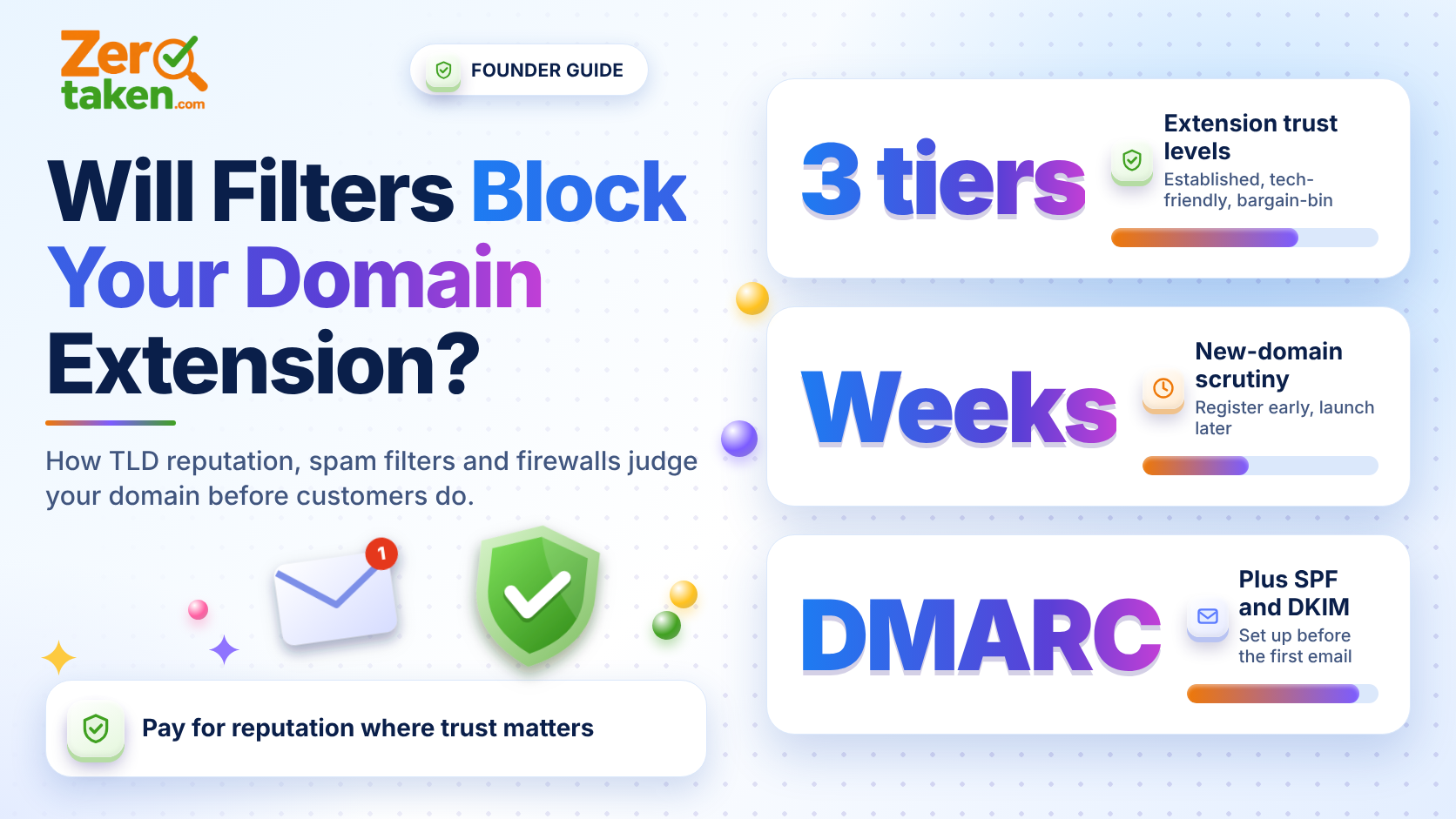
Do filters really judge a domain by its extension?
Not as a hard rule, but as a signal, yes. Spam and security systems combine dozens of inputs: domain age, sending history, authentication records, content, and the reputation of the neighbourhood the domain lives in. The extension is part of that neighbourhood. If an extension is cheap, unrestricted and heavily used by spammers, filters learn to be suspicious of everything on it, including your legitimate startup.
Anti-abuse organisations publish this openly. Spamhaus, for example, regularly ranks the extensions with the worst abuse ratios, and the list is dominated by low-cost, open-registration extensions rather than by .com, .org or country codes with registration rules. Security vendors reach the same conclusion in their own data, which is why many products add a risk score for certain extensions by default.
The punchline: you are not penalised for your own behaviour. You are penalised for who else registered there.
Why are the cheapest extensions the riskiest?
Because abuse is a numbers game. A spammer burning through thousands of throwaway domains needs registrations that cost almost nothing and need no identity checks. Extensions that run $1 promotions with no restrictions are exactly where that traffic goes, and the blocklists follow it.
Price is therefore a rough proxy for reputation. A $1 first-year price is a marketing decision by the registry, and sometimes a warning label. A $12 to $20 price on a long-established extension usually reflects a registry that polices abuse and a user base that is mostly legitimate.
What does a 'newly registered domain' block mean for you?
This one hits every extension, .com included. Many secure web gateways and DNS filters have a category for newly registered domains and treat it as high risk, because attackers favour fresh domains for phishing. Depending on how a company configures its policy, employees may see a warning page or a hard block for the first days or weeks after a domain appears.
The practical effect: if your first sales calls are with larger companies, their staff may be unable to open your site on the day you launch. That is not a verdict on your brand. It is domain age.
You cannot fake age, but you can start the clock early. Register the domain well before launch, put a simple page on it, and let it sit while you build. A domain that is a couple of months old with a live site and clean DNS passes far more filters than one registered the night before your announcement.
- Register your domain weeks or months before launch, not the same day
- Publish a real placeholder page, not a parked ad page
- Warm up email gradually from the new domain instead of blasting a list on day one
Which extensions are safe bets, and which need caution?
Think in three tiers. The first tier is the established, widely trusted extensions: .com, .org, .net, and well-run country codes such as .de or .co.uk. Filters see enormous volumes of legitimate traffic on these and have little reason to distrust them. Tech-friendly extensions like .io, .ai, .dev and .app form a sensible second tier. They are widely used by real software companies, and .dev and .app are even HTTPS-only by design, which is a point in their favour for security-minded buyers.
The third tier is the bargain-bin, open-registration extensions with a history of abuse. They are not forbidden, and plenty of honest companies run on them. But expect to do extra work: stricter email authentication, more patience with deliverability, and the occasional enterprise IT department that will not whitelist you without a conversation.
One special case deserves a mention: .zip and .mov. When they launched in 2023, security researchers warned that file names and web addresses could be confused, and many security teams treated them with suspicion. Unless your product is genuinely about files, there is no reason to take that fight.
What should you do if you already own a risky extension?
Do not panic and do not rebrand overnight. Start with the controls you can fully own. Set up SPF, DKIM and DMARC before sending anything, and move DMARC from monitoring to enforcement once your mail is clean. Send from a subdomain for marketing so a bad campaign cannot poison your main domain. Keep your site on HTTPS with sensible headers, and avoid link shorteners and heavy redirect chains in outbound mail.
Then measure rather than guess. Send test emails to the big mailbox providers and check whether they land in the inbox. Ask two or three friendly customers at larger companies whether your site loads on their network. If the problems persist, the cheap fix is a trusted defensive twin: register the same name on a trusted extension, use it for email, and redirect it to your main site. Many teams run their site on a quirky extension and email from a .com for exactly this reason.
- Authenticate mail with SPF, DKIM and DMARC from day one
- Use a separate subdomain for bulk and marketing email
- Keep a .com (or other trusted) twin for email and enterprise outreach
How do you decide, in practice?
Ask who your first 100 customers are. If they are consumers on personal devices, extension reputation is mostly a deliverability concern and you can accept a little risk for a better name. If they are employees of mid-size and large companies, or you depend on cold email, a reputable extension is cheap insurance and the extra $10 a year is the best money in your budget.
When you shortlist names, check the same brand across several extensions side by side, then weigh availability against reputation instead of grabbing the cheapest option. A free checker such as ZeroTaken shows you in seconds which of .com, .io, .ai and .co are open for each idea, so you can make that trade-off with real options in front of you.
The rule of thumb: pay for reputation where trust matters, save money where it does not, and never choose an extension purely because the first-year price is a dollar.