
Does Your Domain Accidentally Spell Something Else? The Word-Break Test
A domain name is a string with no spaces, and your brain is the one that decides where the words start and stop. That is how a pen retailer ends up as "Pen Island", a therapist directory reads as "Therapist Finder" with an extra word nobody wanted, and a perfectly sensible startup name becomes a screenshot on social media. Most founders check availability and trademark. Almost none check how the name reads when the spaces disappear. This is a five-minute test, and it is cheaper than a rebrand.
ZeroTaken'ı Google'da tercih edilen kaynak olarak ekle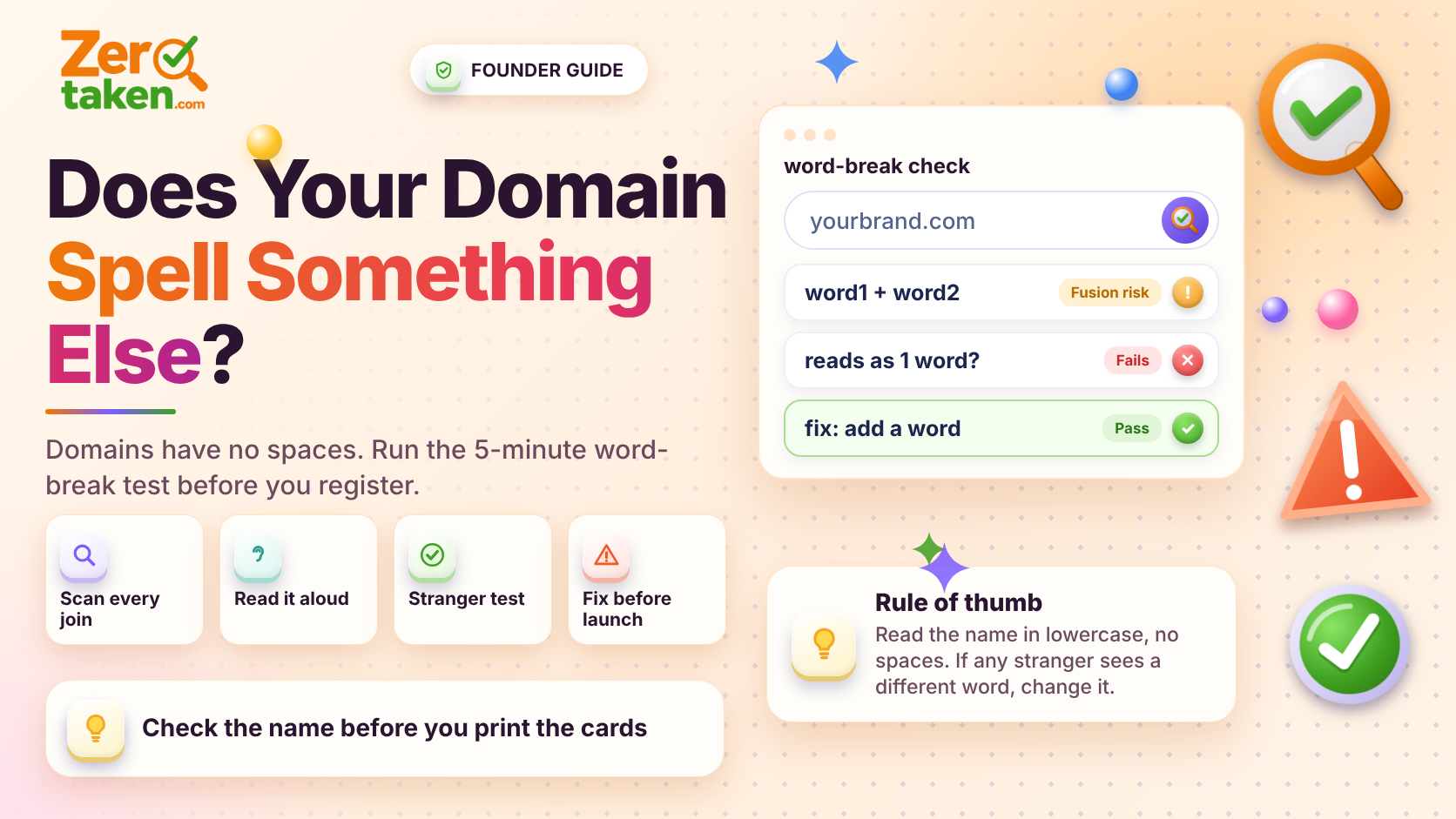
Why do domain names break into the wrong words?
Spoken language has pauses; URLs do not. When two words meet, the last letters of the first and the first letters of the second can form a different word, and readers parse whichever split they find first. Humans also read for the shortest, most familiar words, which means a rude or silly three-letter fragment tends to win over the intended longer word.
The problem is worst with compound names, which is most startup names. If you are choosing between a single word and a combination, our guide on single-word vs compound domains covers the tradeoffs; this post is about making sure a compound survives being read cold.
What does the word-break test actually involve?
Take your candidate, write it in lowercase with no spaces, and then try to read it five different ways. It takes about five minutes and needs no tools.
Run these checks in order. Any single failure is a reason to rethink the name, not to hope nobody notices.
- Boundary scan: look at the join between each pair of words. Do the last two or three letters of word one plus the first letters of word two form another word?
- Internal scan: read the full string left to right and note every smaller word hiding inside it, not just at the join.
- Caps-free read: type it in all lowercase in a notes app and read it aloud as fast as you can. Where you stumble, customers will too.
- Stranger test: show it to three people for two seconds each, hide it, and ask what it said. If anyone reports a different word, you have a problem.
- Subdomain and email test: write hello@yourname and a few typical subdomains such as shop. and blog. in front of it. Fusions often appear only when the dot is added.
Can hyphens or capital letters fix it?
Capital letters help in logos and printed material, and that is where the damage is often smaller. But a URL is lowercase in the address bar, in search results, in link previews, and in anything someone types or says aloud. Camel case is a design choice, not a safeguard.
Hyphens do separate the words, but they cost you in other ways: they are hard to dictate, easy to drop, and read as lower trust to many buyers. We cover that fully in our post on hyphens and numbers. Treat a hyphen as a last resort for a name you genuinely love, not as a patch for a name that fails the test.
The cleaner fix is almost always to change one word, add a short connector that forces the split, or reorder the words so the dangerous join disappears.
Which kinds of names fail most often?
Three patterns account for most of the bad ones. If your name matches any of them, give it extra scrutiny.
- Words that end in a vowel followed by a word that starts with a consonant cluster, which invites alternative splits.
- Names built from a location or a person's name plus a service word, because both halves tend to be short and common, so fragments overlap easily.
- Names that stack three short words. More joins means more chances for a fusion, and each extra join multiplies the number of ways to read it.
- Shortened or truncated words such as an abbreviation plus a full word, where the abbreviation's final letters collide with the next word.
What should you do when your favorite name fails?
First, decide how bad the failure is. A harmless alternate reading (a mildly funny extra word) is a smaller issue than anything rude, political, or that undermines the thing you sell. A name for a children's brand has a lower tolerance than one for an internal developer tool.
If it is serious, fix the name rather than the presentation. Swap the offending word for a synonym, add a short unambiguous word between the two parts, or move to a single invented word and avoid the join entirely. Then re-run the test from the top, because fixes sometimes create a new collision.
Once the name passes, check that it is actually free before you get attached again. A quick search on ZeroTaken confirms availability across extensions in seconds.
Is this worth doing for a name you already own?
Yes, in a different way. If you already hold the domain and it fails, you will not rename on the strength of one awkward reading. But you can neutralize it: use a styled wordmark that makes the split obvious, keep the intended reading in your tagline, and never leave the name to chance in audio ads or podcasts where there is no visual to separate the words.
For anything new, run the test before you register. It costs five minutes today and avoids a conversation you really do not want to have with your first hundred customers.